
Karam Al Hammadi
14/05/2026
I tried removing my case and the signal jumped by two bars!
Reply
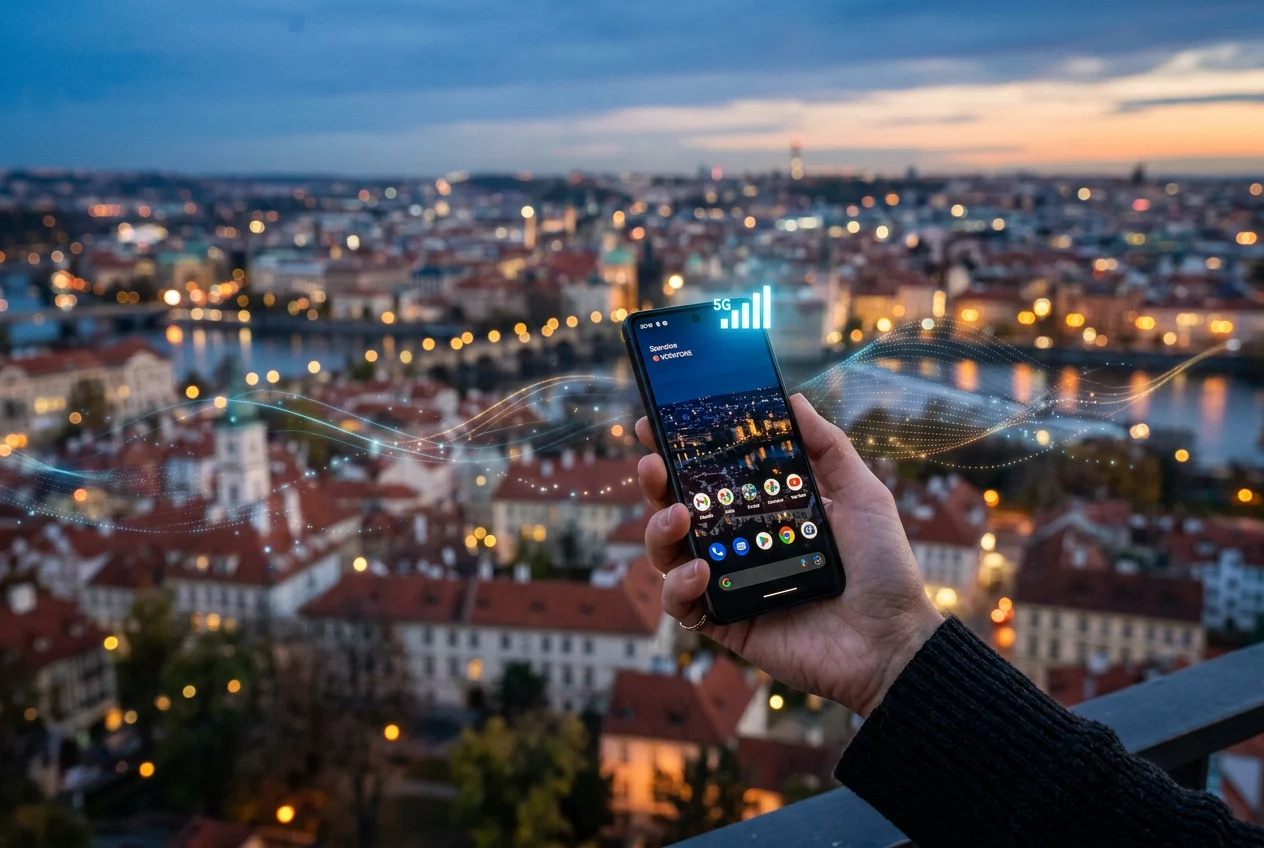
Signal strength depends on various environmental and hardware factors. Physical barriers like concrete walls and metal structures block radio waves effectively. Modern phones utilize multiple antennas to mitigate these issues. Understanding the limitations of your current location helps in finding a better connection. Turnexedic provides tools to stay connected through easy balance top-ups, but hardware optimization remains essential for a stable link.
Protective cases often contain materials that interfere with internal antennas. Metal bumpers or thick rubber layers dampen the signal significantly. Take the phone out of its case to test the raw reception quality. Lightweight plastic or silicone covers usually offer the best balance between protection and connectivity. Switching to a signal-friendly case improves data speeds in fringe areas.
Outdated carrier settings lead to poor handovers between cell towers. Open the settings menu to check for available updates from your service provider. Install the latest operating system patches to ensure the modem firmware is optimized. These updates often include fixes for known connectivity bugs. A fresh software environment allows the hardware to communicate more efficiently with the network.
Multiple apps competing for bandwidth make a weak signal feel even slower. Close unnecessary applications running in the background. Disable automatic cloud backups when using mobile data. Restricting background data ensures that the active app receives the maximum available throughput. This practice is especially helpful during video calls or while using navigation tools.
Forcing the phone to reconnect to the nearest tower often solves temporary glitches. Switch on airplane mode for ten seconds. Turn it off to trigger a fresh search for the strongest available signal. This method works better than waiting for the device to realize it has a poor connection. It is a reliable trick when moving between different coverage zones.
Physical damage to the SIM card causes intermittent signal drops. Inspect the gold contacts for scratches or oxidation. Clean the card with a soft cloth to ensure a good connection with the reader. Older SIM cards might not support the latest frequency bands used by carriers. Requesting a replacement card from the provider often resolves long-standing reception problems.